
Signs your phone screen protector needs replacing and how to care for it
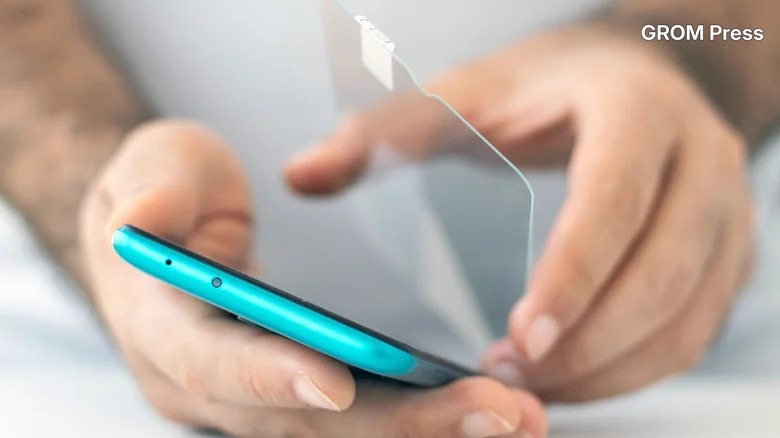
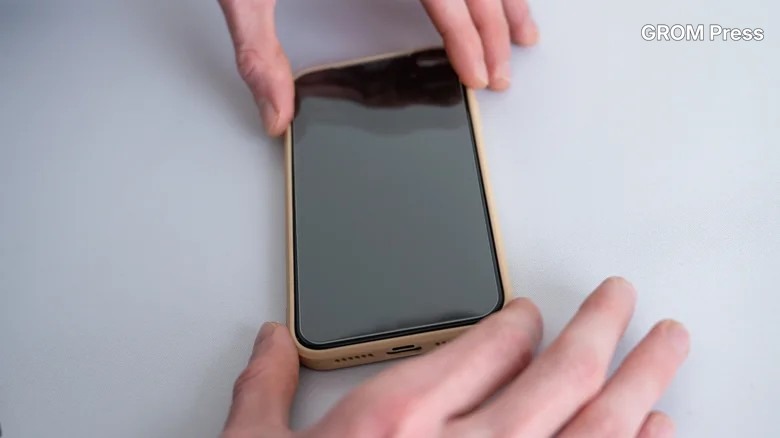
A screen protector should be replaced when it shows visible damage such as cracks, scratches, peeling, bubbling or discoloration, or when touch sensitivity, screen clarity or smudge resistance declines. There is no fixed replacement timeline; lifespan depends on usage and protector quality. Clean with a microfiber cloth, avoid abrasive materials and harsh chemicals such as ammonia, bleach, high-concentration alcohol or disinfectant wipes, and do not spray liquids directly onto the phone. Extreme temperatures, improper installation and excess pressure can also shorten a protector's life.

Main event
A consumer guide explains when a phone screen protector should be replaced and how to maintain it. The central point is that a protector should not remain on a phone for the device's entire life if it shows signs of deterioration.
Signs it is time to replace
Visible damage is the clearest indicator. Cracks, scratches, peeling, bubbling or a protector coming loose mean replacement is advisable. Other signs include yellowing, a developing haze, reduced screen clarity, lower touch sensitivity and smudges or fingerprints that no longer wipe off easily. The last point may indicate that the oleophobic coating, which repels oil from fingers, is wearing away. A deteriorating protector will not safeguard the phone as effectively.
No fixed timeline
The source states there is no set timeline for how long a screen protector lasts. Lifespan depends in part on how the phone is used and on the quality and makeup of the protector.
Care and cleaning
Use a microfiber cloth to clean the protector. Avoid abrasive materials such as paper towels. Harsh chemicals including ammonia and bleach can strip the coating, and high-concentration alcohol or disinfectant wipes may also cause damage. The FCC warns against spraying anything directly onto the phone; a dampened microfiber cloth is enough.
Factors that shorten lifespan
Extreme temperatures, improper installation and excess pressure can all contribute to cracks and other issues. Taking precautions can help extend the life of both the screen and the protector.
Foldable screens
The guide advises against using a screen protector on a foldable screen because it already has one applied at the factory, and adding another can cause problems rather than prevent them.
Context
Phones are routinely exposed to keys, pockets, bags, tables and drops onto concrete. Protectors can ward off scratches and cracks and reduce wear and tear. Some also reduce glare and blue light or limit viewing angles for privacy. All claims about signs, cleaning and risks are attributed to the source guide; no independent verification or additional context is provided.



Comments
No replies yet. Start the discussion.
Sign in to reply