
Roku TV setting lets movies play at 24fps for a cinematic look
Roku TVs default to a 60fps refresh rate, but most movies are filmed and projected at 24fps. Turning on Auto-adjust display refresh rate in Advanced Display Settings lets the TV match the native frame rate of movies and TV shows, according to the source article.
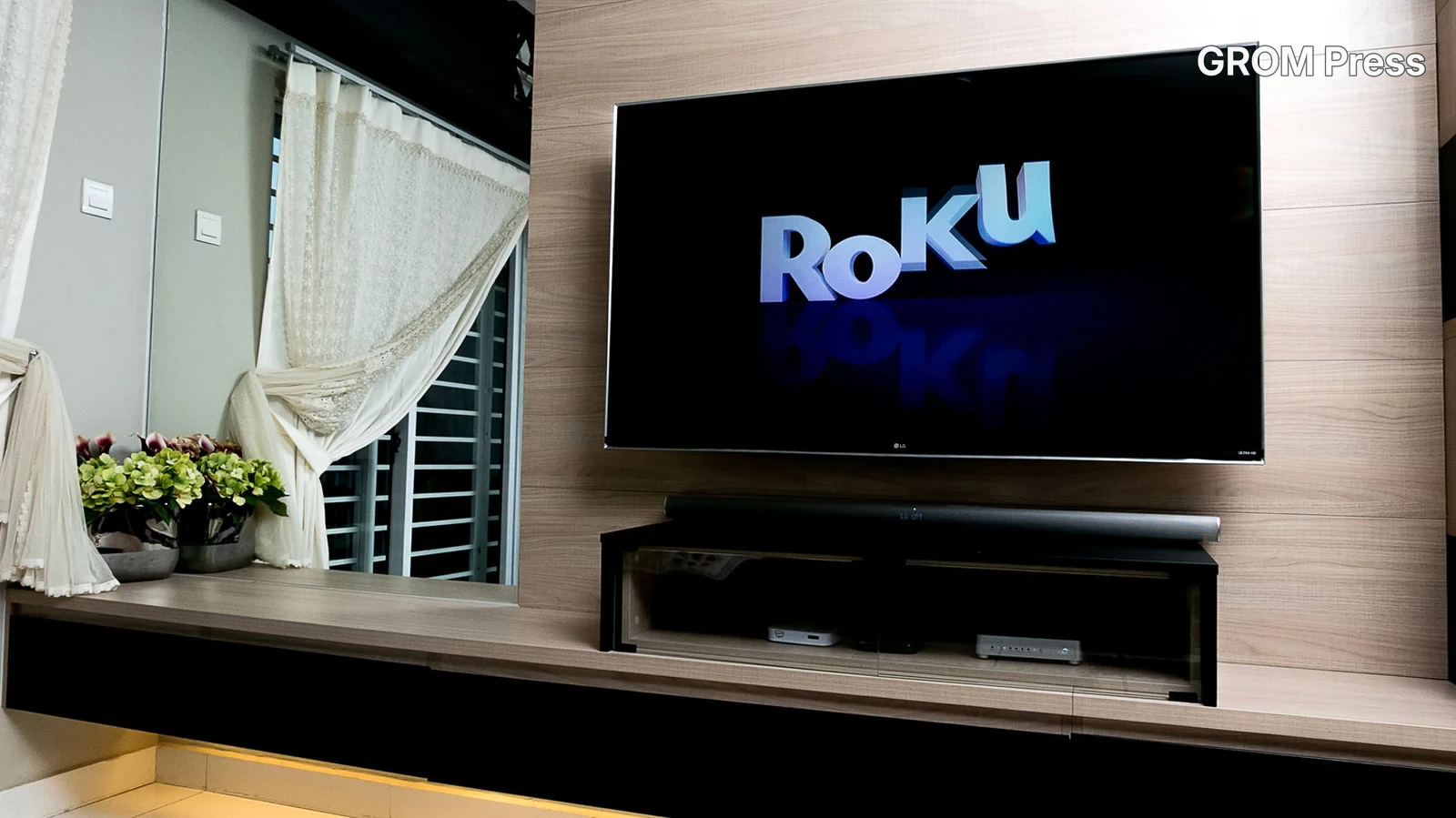
Roku TV owners can change a display setting to watch movies at the frame rate at which they were filmed, according to an entertainment and streaming article.
Most Roku TVs are set to a default refresh rate of 60fps. Movies, however, are typically filmed and projected at 24fps, which has defined the theatrical look and feel for decades. The article states that watching at 24fps offers something closer to the original intent of films.
To enable the setting, users go to the main menu, select Settings, then System, then Advanced System Settings, and open Advanced Display Settings. There they can turn on Auto-adjust display refresh rate. Once enabled, the TV self-adjusts to match the native refresh rate of the movie or TV show being played. Films run at 24fps, while TV shows filmed at 30 or 60fps play at those rates.
The article describes the change as a one-click adjustment that can improve the viewing experience. It does not provide independent verification of the visual effect, nor does it state which Roku TV models support the feature or whether all streaming apps respect the setting.


Comments
No replies yet. Start the discussion.
Sign in to reply