
Phone camera trick can reveal whether a remote control battery still works
Pointing a smartphone camera at a remote control and pressing a button can show a flashing infrared light if the batteries still have power. The method also indicates whether a button uses infrared or Bluetooth, though it cannot diagnose damaged buttons or other remote faults.

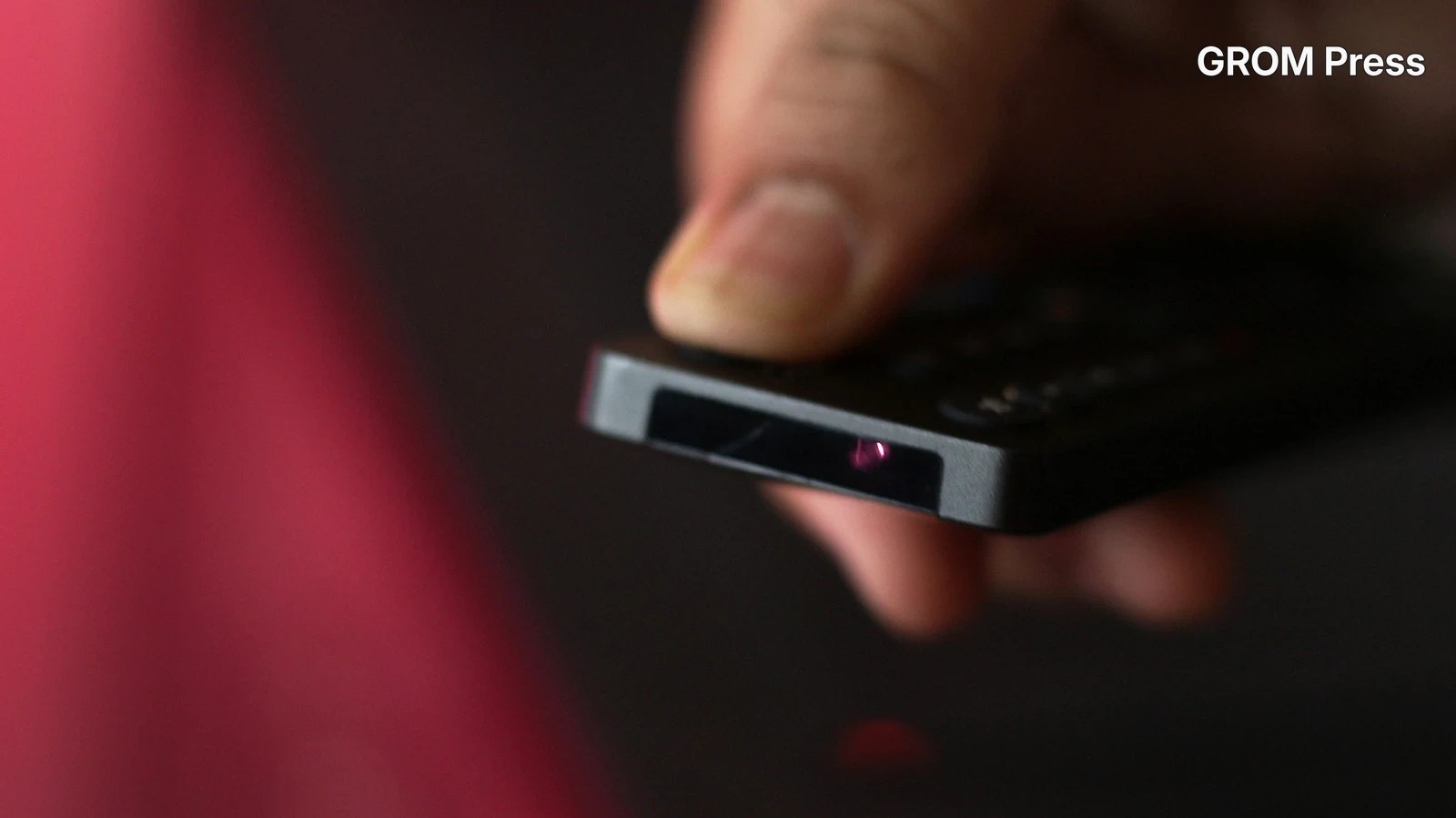
A smartphone camera can be used to test whether a remote control battery still has power, according to the source material. When a button is pressed, many remotes send commands using infrared light from a small LED at the front of the device. Some remotes hide this emitter behind a dark plastic window, while modern Bluetooth remotes may still use infrared for basic functions such as switching the television on or off.
To carry out the test, a user should open the phone's Camera app, point it at the front of the remote, and press and hold a button while watching the screen. The power button is recommended because many Bluetooth remotes still rely on infrared for that command. A flashing light, usually slightly purple, visible on the phone screen indicates that the batteries still have enough power.
The same trick can help determine whether a particular button uses infrared or Bluetooth. If pressing a button such as the volume control produces no flashing light, that command is likely using Bluetooth instead.
The method has limitations. A damaged button might not register presses at all, so the infrared emitter may not flash even when the batteries are working properly. Therefore, the trick cannot diagnose every remote control problem.
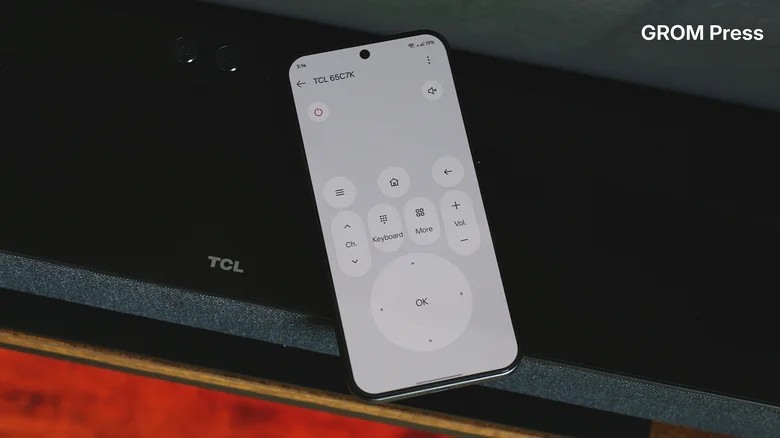
The source also describes alternatives for people who want to avoid remote control issues. Certain Android phones have built-in infrared blasters and can be set up as virtual remote controls using an infrared remote app. Modern smart TV operating systems, including Android TV and Fire OS, allow a smartphone to serve as a remote control even without an infrared emitter. This requires installing a companion app, logging into the same account as the TV, and connecting both devices to the same Wi-Fi network.
The Google Home app is given as an example. It works with smart TVs powered by Google TV and Android TV, allowing users to navigate the interface with D-pad controls, adjust the volume, and search for movie titles using the phone's keyboard. If the virtual remote cannot turn the TV on, the TV's network standby settings may need to be configured. Some models call this feature Wake-on-LAN.


Comments
No replies yet. Start the discussion.
Sign in to reply