
Why a phone shows no service even with a SIM card installed
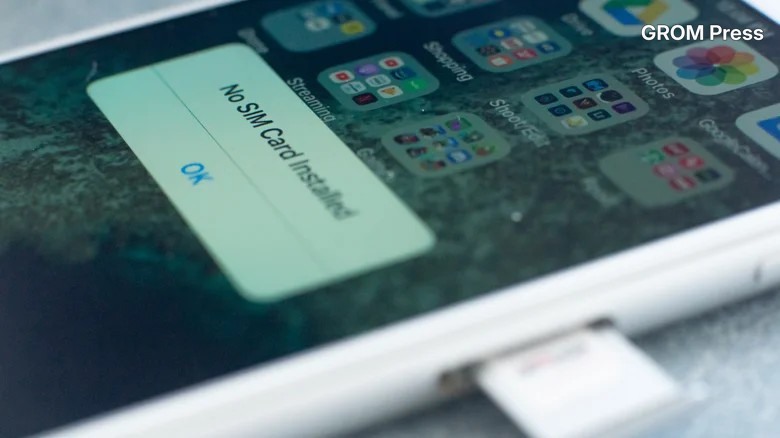
A phone can display no service despite a SIM card being present because of an improperly seated SIM, a carrier outage, unpaid bills, weak local coverage, software issues, or eSIM roaming settings. The source lists troubleshooting steps such as reseating the SIM, toggling airplane mode, resetting network settings, checking payment status, and moving to a location with better coverage.
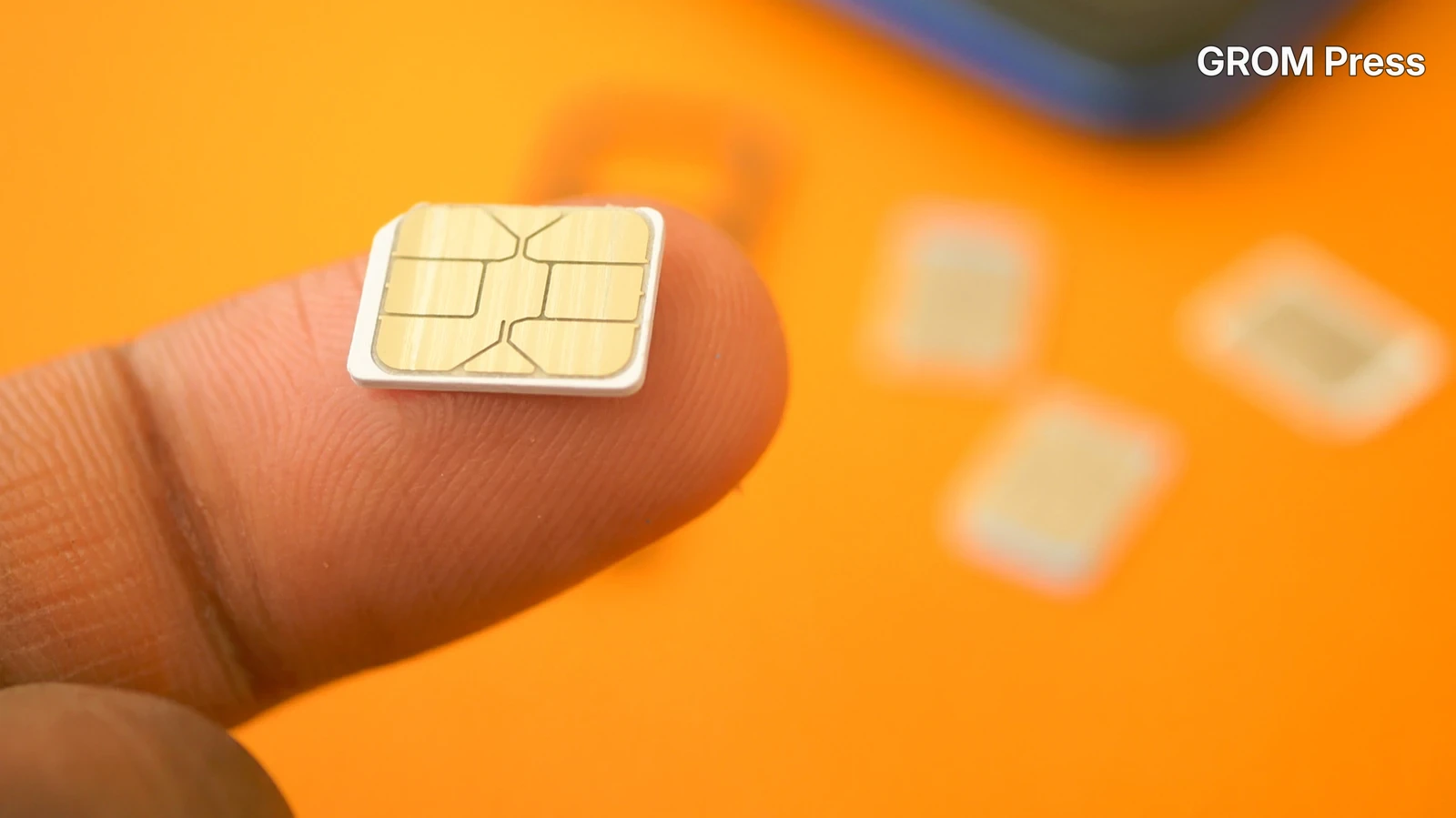
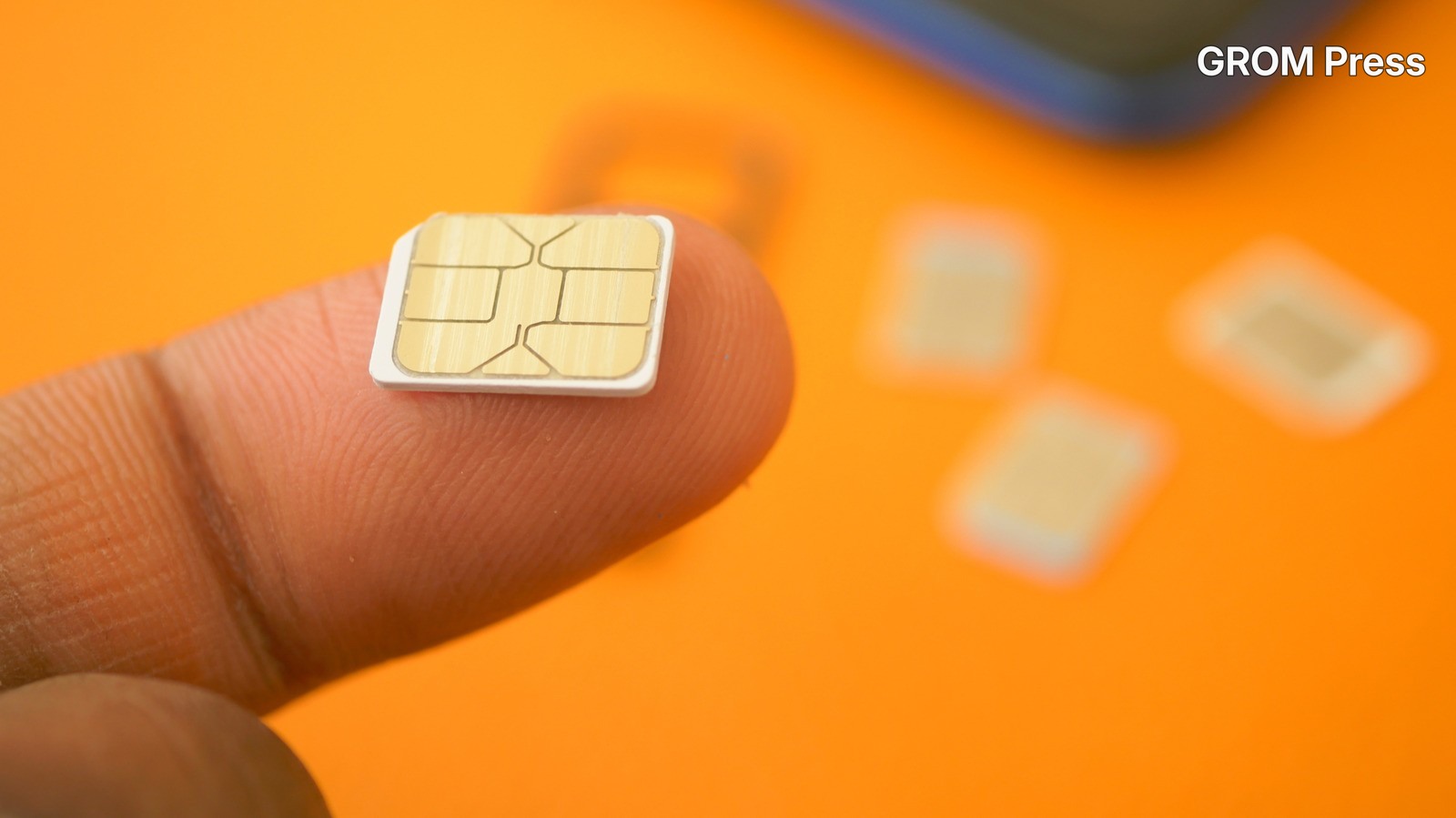
A phone may still work and power on when it shows no service, but its main calling and texting features become unavailable. The SIM card, or Subscriber Identity Module, authorizes the connection between the user and the mobile provider, so an error with it can cut off service even though the card is physically installed.
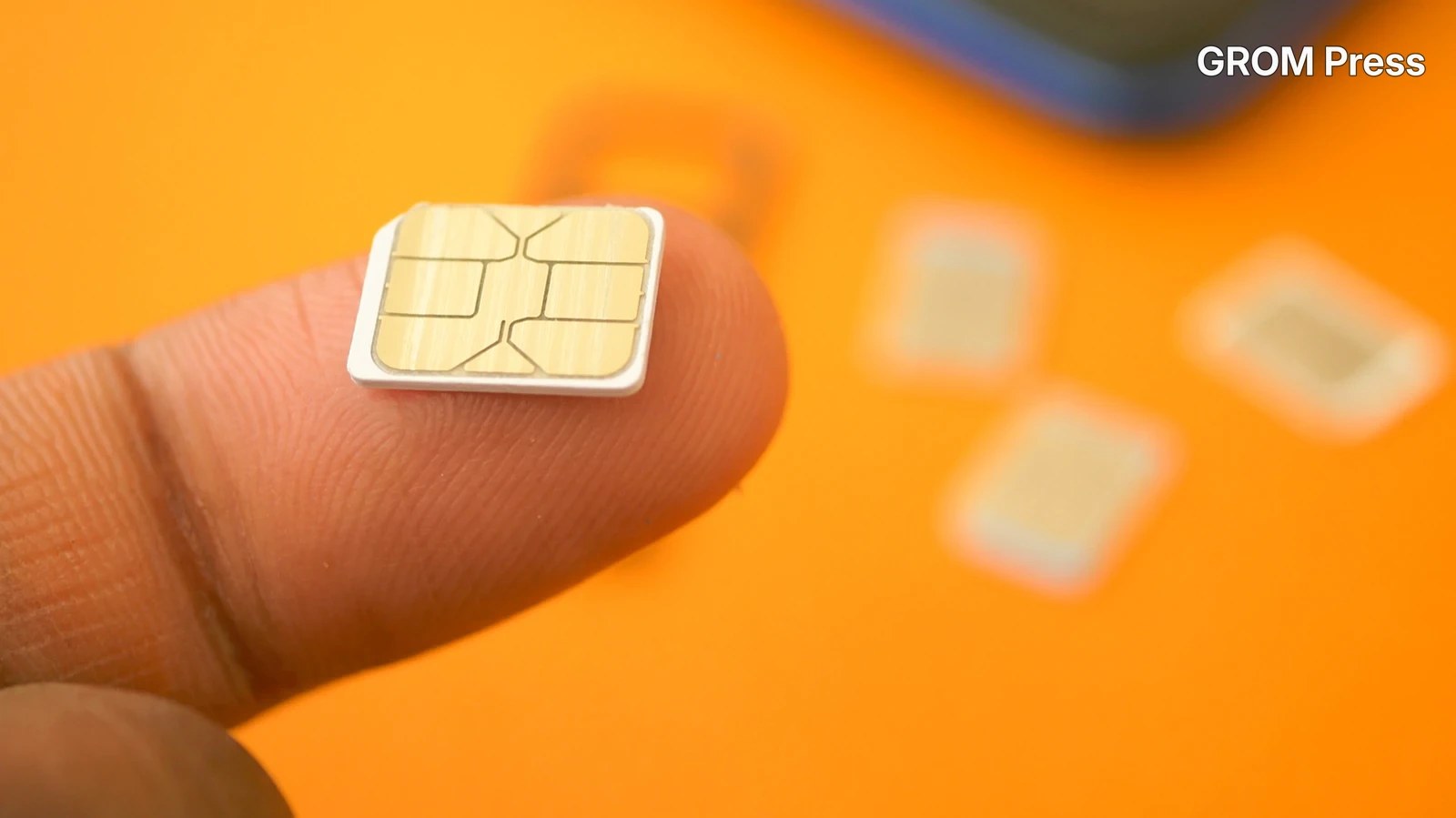
The source says the most common physical cause is a SIM card that is not properly seated, which can happen after dropping the phone or after the card was serviced. Removing the SIM with an ejector tool, paper clip, or safety pin and reinserting it may resolve the issue.
A carrier outage is another possible explanation. The source suggests checking whether another device on a different carrier can connect to the internet or make calls, or asking a local contact using the same carrier whether their phone is working, to confirm or rule out a network outage.
For phones using an eSIM instead of a physical card, problems can arise during international travel. On an iPhone, eSIM settings are found under Cellular or Mobile Data, while Android uses SIM Manager. Turning on data roaming may fix the problem.
Software issues can also cause a no-service error. Toggling airplane mode on and off is listed as a common fix. A network reset is another option, and the source notes it does not affect personal files, although saved Wi-Fi passwords and other connections will need to be re-entered. On an iPhone, the reset is in the Transfer or Reset section of Settings; on Android, it is in Reset Options.
An unpaid bill or account suspension can stop the SIM from connecting to the carrier’s network. The source advises checking the online account for missed payments or other suspensions.
Finally, the issue may be unrelated to the SIM or account. Poor local coverage or a blocked cell tower can prevent service. Moving to a different location may restore connectivity.
The source does not provide statistics on how often each cause occurs, nor does it state which fix is most likely to work in a specific case.



Comments
No replies yet. Start the discussion.
Sign in to reply