
Starlink app setting lets users split Wi-Fi into separate 2.4 and 5GHz networks
Starlink customers can improve Wi-Fi speed by splitting their network into separate 2.4 and 5GHz bands in the Starlink app, though the change brings trade-offs in range, device compatibility and convenience.

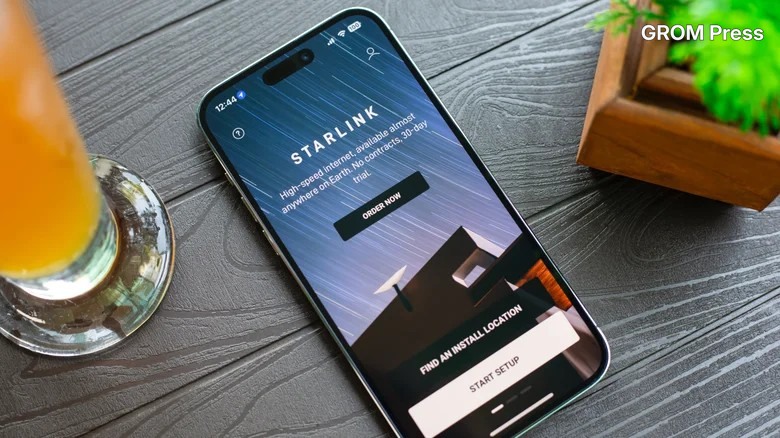
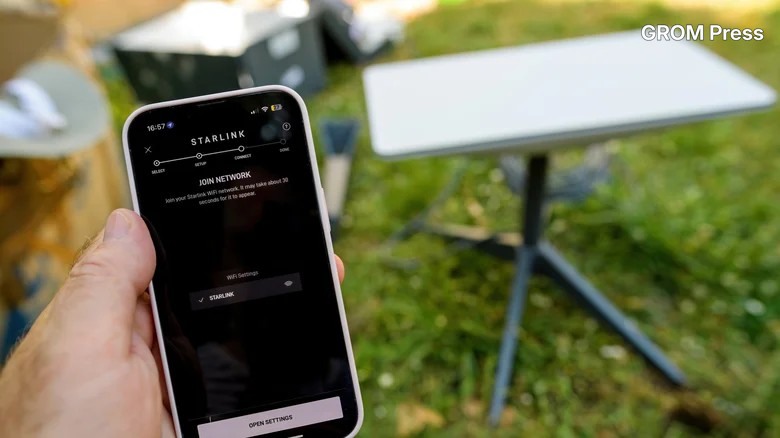
Starlink customers can improve their Wi-Fi speed by splitting their network into separate 2.4 and 5GHz bands using the Starlink app, according to a computing news report. The setting is found under the Add Network option, where users can toggle Split Network and name the two new networks, ideally including "2.4" and "5" in the names so devices can be directed to the appropriate band.
Most Wi-Fi routers are dual-band, broadcasting over 2.4 and 5GHz frequencies. Starlink's bundled hardware does not currently support the newer 6GHz band, even when equipped with Wi-Fi 7. The 5GHz band is inherently faster than 2.4GHz because shorter wavelengths allow higher potential speeds and more non-overlapping channels, which reduces congestion and interference. Devices that support 5GHz may see a noticeable speed boost if they are forced to use that band.
Some low-power devices, such as many Wi-Fi smart LED light bulbs, are 2.4GHz-only. Separating the bands can prevent these devices from competing with higher-bandwidth devices on a unified network.
The report identifies several trade-offs. The 2.4GHz band offers greater range, typically up to 150 feet (45 meters) indoors, and better penetration through walls and obstacles. The 5GHz band reaches roughly 50 to 75 feet (15 to 25 meters) indoors. Under a unified network, devices can switch between bands automatically, but after splitting, some mobile devices may need to be switched manually when moving between rooms.
Devices on separate network IDs may also be unable to communicate with each other, even though they should be able to in theory. This could disrupt smart home accessories and automations that require devices to work across specific bands.
The report advises customers who are not experiencing performance problems with their current setup to leave Starlink's Wi-Fi settings unchanged. Exact performance figures depend on the router, range and types of connected devices, and no specific speed improvements were provided.



Comments
No replies yet. Start the discussion.
Sign in to reply