
What's New in iXPlay: Search, Recent Channels and a Better Archive
What's New in iXPlay: Search, Recent Channels and a Better Archive

The latest iXPlay updates bring search and a recent channels list to every platform, and add easier archive playback, a faster TV guide and new subtitle options.
Search on every platform
Search is now available on Android, iOS, Apple TV, Samsung Tizen, LG webOS and the Web Player. Type a channel name to jump straight to it, or search the TV guide for a programme by title. Results include past broadcasts as well as upcoming ones. If your provider supports the archive, you can start a programme that has already aired straight from the results. Episodes of the same show are grouped together, and when one archived episode ends, the next one starts automatically. On TVs, search also works inside the guide itself, so you can find a channel without leaving the schedule.
Recent channels
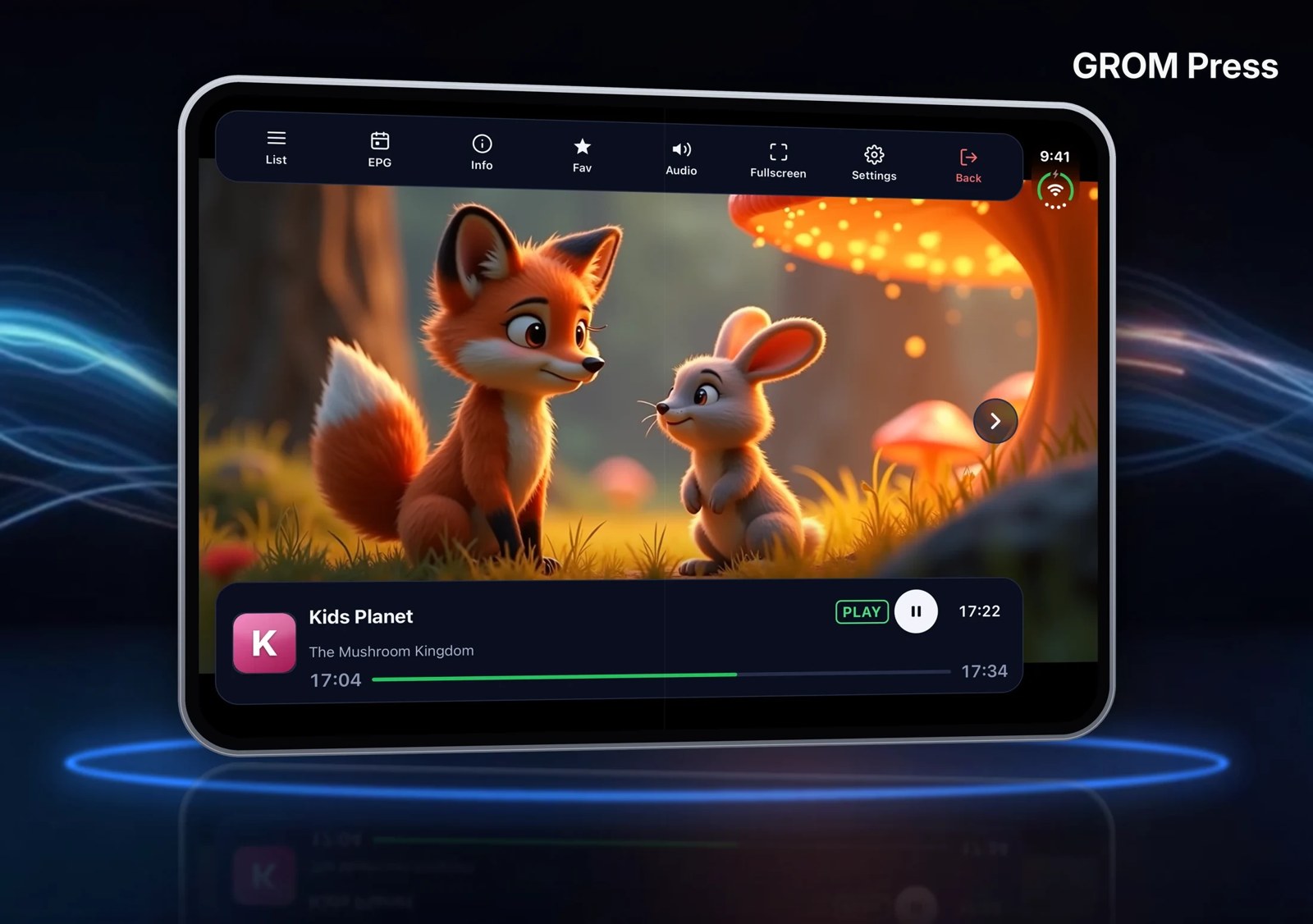
The new Recent channels list keeps the last ten channels you watched. Open it and switch back in one step. On phones and tablets it is a drawer at the edge of the screen. On TVs it opens from the remote. In the Web Player, press H for recent channels and / for search.
Easier archive playback
Watching past broadcasts on a TV is now more comfortable:
- Android TV has dedicated archive playback controls.
- LG webOS can restart the programme that is on air right now from its beginning, and a back-to-live button returns you to the live broadcast.
- Programmes available in the archive are marked with a badge in the programme info.
A faster TV guide
The player now loads the guide for the channel you are watching several days ahead. Flipping between days in the guide is instant instead of waiting for each day to load.
Text size and subtitles
- A fifth, larger interface font size is available on TVs.
- On webOS, subtitles scale together with the interface size setting.
- A CC badge in the info bar shows when a channel has subtitles.
- On webOS, the audio track list shows the number of channels for each track (stereo, 5.1).
Web Player improvements
The Web Player has full keyboard control, including subtitles and accelerated seeking. Mouse users get translucent previous/next channel buttons at the edges of the screen.



Comments
No replies yet. Start the discussion.
Sign in to reply