
How to connect Bluetooth headphones to Xbox Series X
Xbox Series X does not support Bluetooth headphones natively. Users can connect them through a Bluetooth adapter, a TV with Bluetooth output, a wired cable via the controller jack, or buy an Xbox-licensed wireless headset such as the official Xbox Wireless Headset for $120.
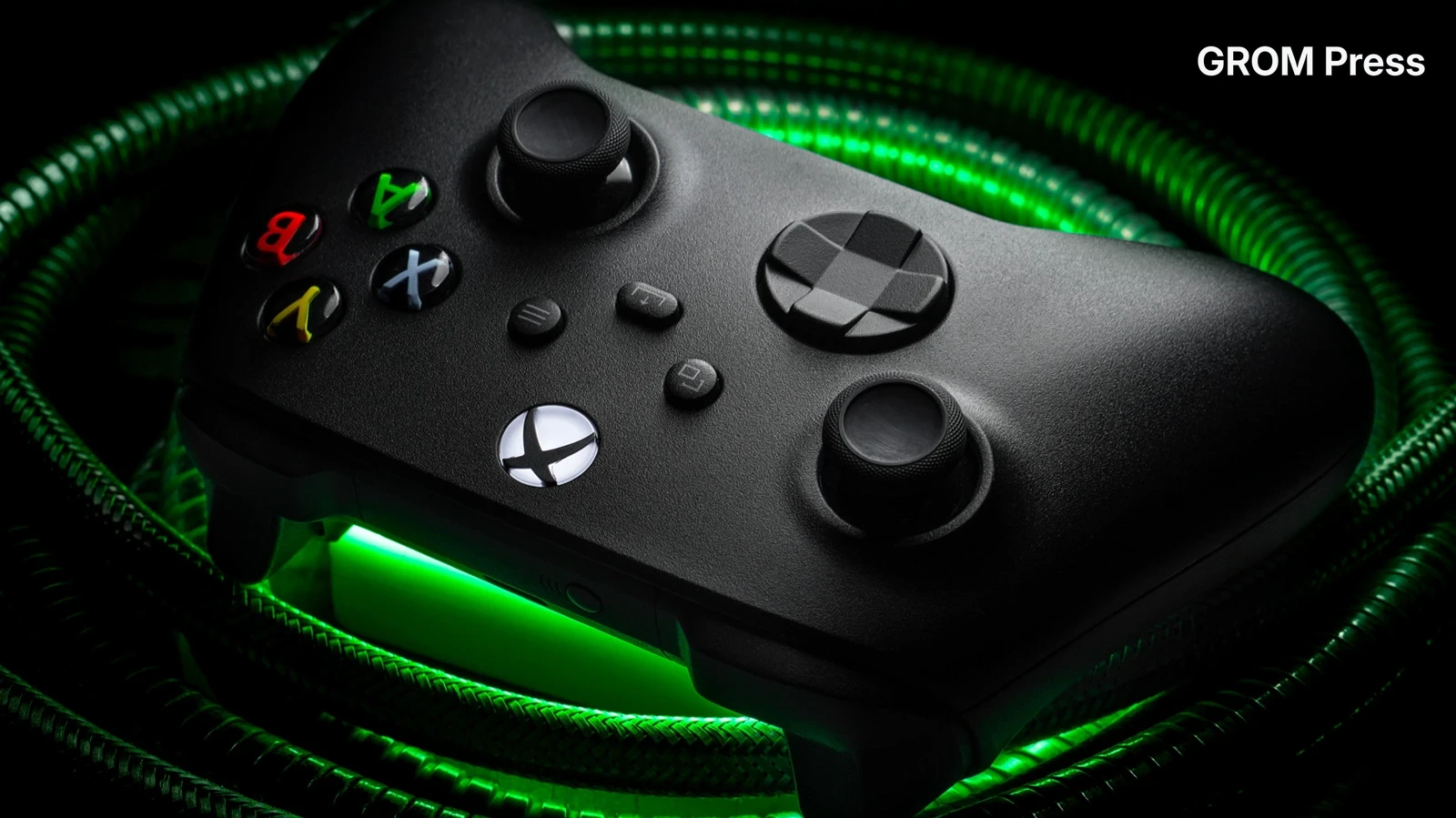
Microsoft's Xbox Series X does not have built-in support for Bluetooth headphones, so the console cannot connect to them directly. The limitation means users who want wireless audio must use a workaround or purchase a headset designed for Xbox's own wireless standard.
The most straightforward official option is the Xbox Wireless Headset, which retails for $120. Microsoft uses its own wireless protocol for this headset to achieve extremely low latency. Third-party manufacturers such as Audeze and SteelSeries also sell Xbox-compatible wireless headsets, but they can cost as much as or more than Microsoft's version. Headsets that support Xbox's wireless protocol must be licensed by Microsoft and display the Xbox logo on the packaging.
Another option is to route audio through a Bluetooth adapter. Some adapters plug into the Xbox controller's headphone jack and transmit the audio passing through it, while others connect to the console's USB port. Headphones that include a dedicated low-latency dongle, such as the SteelSeries Arctis Nova Elite, are described as the best choice for sound quality, though they tend to be more expensive. Users with a smart TV that can transmit a Bluetooth signal can set the console to output audio to the TV and then connect the TV to the headphones. These adapter and TV options are generally cheaper than buying a new set of headphones.
The cheapest method is to use the controller's audio jack with a wired connection. Some Bluetooth headphones include a jack and audio cable as a wired backup, although this is not always the case. Headphones that support wired connections can be plugged into the controller to avoid latency, but the connection is not wireless.
Bluetooth audio can introduce latency, which may be distracting during gameplay and can make rhythm games that rely on audio cues nearly unplayable. None of the available workarounds are described as perfect.


Comments
No replies yet. Start the discussion.
Sign in to reply